Have you heard about the LastPass breach? The company’s last press release was in late December but had few details. If you’ve paid attention in security awareness class, you know that since we still heavily rely on passwords for authentication, you need to use some kind of password manager.
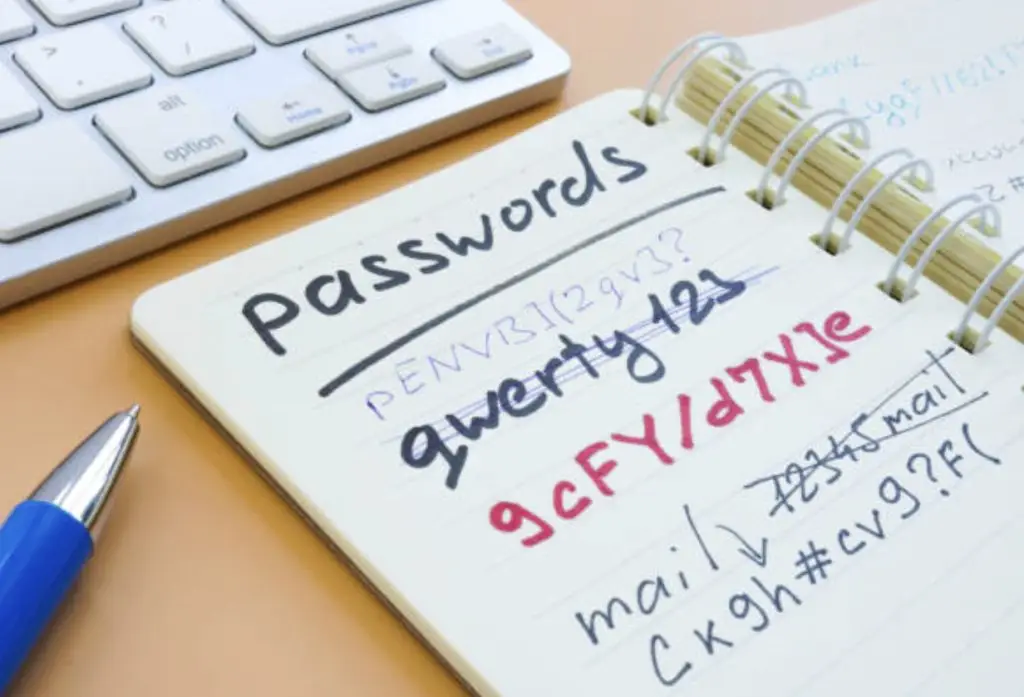
Ideally, we wouldn’t need passwords, but that’s not feasible right now. A notch down from that is having all our passwords in hard copy—yes, printed in a notebook and kept in a safe. Actual paper is not reachable via any network and, therefore, is about as “unhackable” as you can get. But that’s not practical when you have tens or hundreds of passwords. Plus, you could lose it!
Enter the password manager. As a smart user, you have probably already chosen a password manager and are using it for all your passwords. But let’s say you happen to have chosen LastPass as your password manager, and now you are confused and don’t know what to do.
Here’s what we know:
The attackers stole backup copies of password vaults. You should assume that a copy of some version of your password vault is in an attacker’s hands. In and of itself, this isn’t bad. That’s why we encrypt things. If you followed the LastPass recommendation of setting your master password at 12 characters, using all available characters (upper and lower case, numbers, special characters), it would take an attacker about 174 years to exhaustively search the password space. That’s using brute force to try all possible passwords and assumes all possible combinations are tried. But if your master password was short or used only letters, you have much less time. If your master password is the same as any of your other accounts, you should consider your password vault compromised. Not everything in the password vault was encrypted.Usernames, passwords, and notes are encrypted. But everything else does not appear to be, including URLs. Attackers may have what they need to send carefully crafted phishing emails so be on the lookout for those.
Multi-factor authentication won’t help with this. The MFA you have set up for LastPass is there only to access your vault in the cloud. The bad guys already have your vault and all they need is that master password (the key) to unlock it.
So, what should you do now?
Start changing passwords on high-priority accounts first. I recommend starting with your financial accounts. If you haven’t already, enable and enforce multi-factor authentication where available. This way, even if the bad guys do discover the password to one or more of your accounts, there’s another factor to make it harder for them and to buy you some time.
Watch out for convincing phishing emails. An attacker doesn’t need to guess your password if they can just trick you into giving it to them.
Evaluate other password managers. Jazz Solutions does not endorse one password manager over another, so do your homework, and make the best choice for your particular needs. Pro tip: Add the name of the password manager to your Google news alerts, so if this happens again, you’ll find out faster.